In the hyper-competitive digital landscape, information is the most valuable currency. For businesses, staying ahead means knowing the exact second a competitor drops their prices or a partner updates their terms of service. For developers, it means ensuring that a stealthy CSS bug or a third-party script hasn’t subtly broken the user interface.
The days of manual refresh-and-check are long gone. Today, Website Change Monitoring Tools have evolved into sophisticated AI-driven sentinels. In this comprehensive guide, we will explore the best tools available this year to help you automate your surveillance, protect your brand, and gain a decisive edge.
What is Website Change Monitoring?
At its core, website change monitoring is the automated process of tracking specific elements or entire pages on the web for modifications. These tools crawl a target URL at set intervals and compare the current version against a previously saved snapshot. When a discrepancy is found—whether it’s a single word change, a new image, or a shift in the underlying HTML code—the tool sends an instant alert.
Modern tools go far beyond simple text comparison. They now offer
- Visual Monitoring—Detecting pixel-perfect changes in layout or design.
- Code-Level Tracking—Monitoring changes in the DOM (Document Object Model), JavaScript, or CSS.
- Keyword Alerts—Notifying you only when specific terms (like Sale, Out of Stock, or Lawsuit) appear or disappear.
- Price Tracking—Specifically tuned to extract and monitor numerical values in e-commerce environments.
Why Every Business and Developer Needs These Tools
The use cases for change monitoring are as diverse as the web itself.
For Businesses and Marketers
- Competitive Intelligence—Monitor competitor landing pages for new feature launches, pricing pivots, or promotional campaigns.
- Compliance and Legal—Ensure that mandatory disclosures, terms of service, or regulatory text remain unchanged on partner sites or your own subdomains.
- Brand Protection—Detect defacement or unauthorized changes to your site by malicious actors before your customers notice.
For Developers and QA Teams
- Visual Regression Testing—Automatically catch UI glitches that occur after a deployment.
- Third-Party Dependency Tracking—Monitor the documentation or status pages of APIs and libraries you rely on.
- SEO Monitoring—Get alerted if a meta tag, H1 header, or robots.txt file is accidentally modified, potentially tanking your search rankings.
Monitoring service features to Look for
Before we dive into the specific tools, it is essential to understand the criteria that separate a good tool from an essential one.
Frequency and PrecisionA tool that only checks once a day is useless for a high-frequency stock trader or an e-commerce giant during Black Friday. Look for tools that offer check intervals as low as 5 minutes (or even seconds for mission-critical tasks).
JavaScript Rendering (Headless Browsing)Many modern websites are built using React, Vue, or Angular, where content is loaded dynamically. Basic monitoring tools that only read static HTML will see a blank page. Ensure your tool uses a headless browser (like Chrome) to render the page exactly as a user would see it.
Integration EcosystemAlert fatigue is real. You don’t want another email in your overflowing inbox. The best tools integrate directly into your existing workflow, sending alerts via Slack, Microsoft Teams, Discord, or Webhooks.
The Evolution of Monitoring—AI and Beyond
As we move through the digital era, the biggest trend is the integration of Large Language Models (LLMs) into monitoring workflows. Instead of just telling you the text changed, AI-powered tools can now provide a summary of the change—”The competitor increased the price of their Pro plan by 15% and removed the Free Trial mention.”
This shift from data alerts to actionable insights is what defines the current generation of tools. In the next parts of this series, we will begin our deep dive into the top-rated tools, starting with the heavy hitters that dominate the enterprise and professional developer space.
Professional Website Change Monitoring tools
Visualping
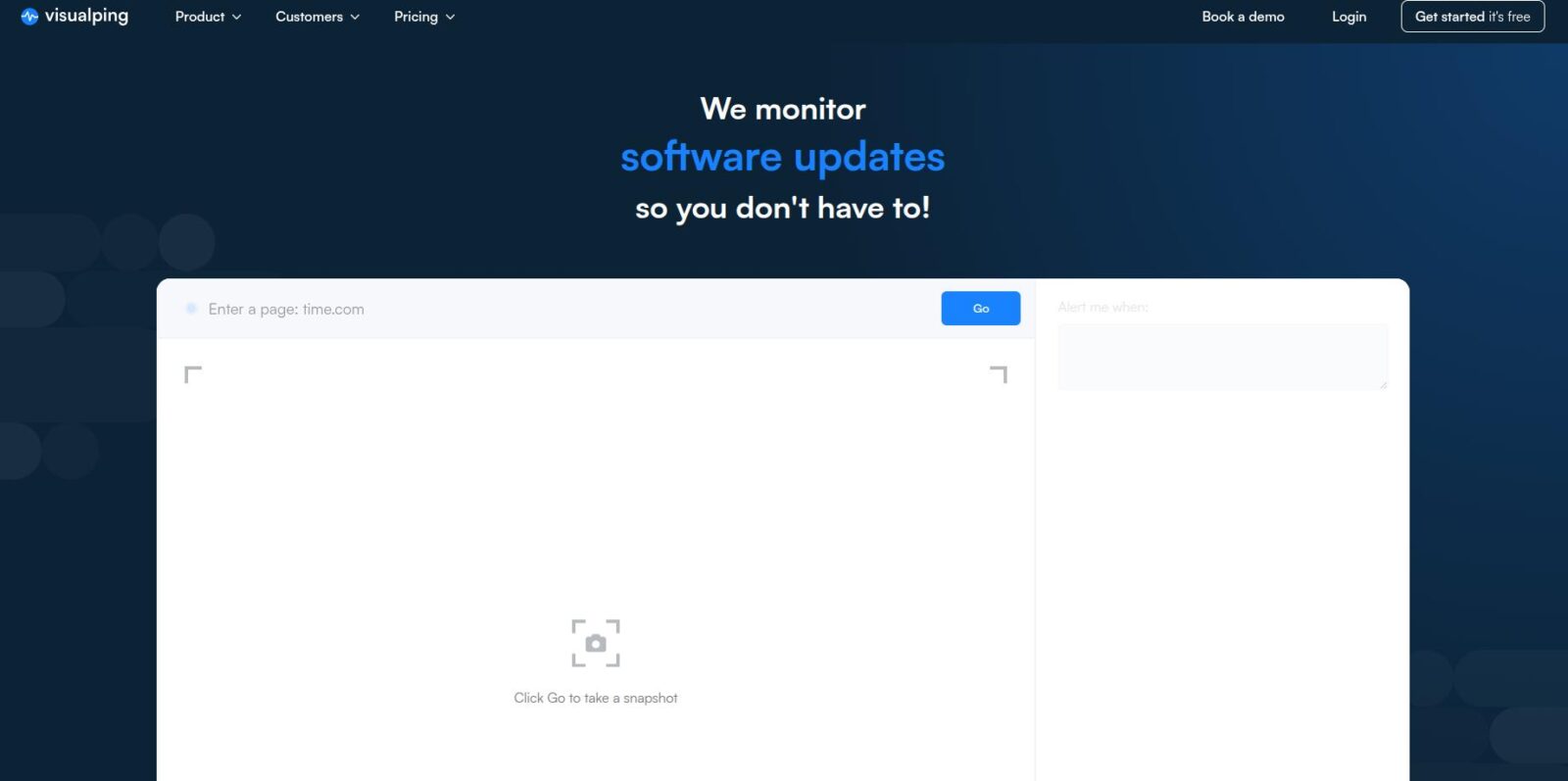
If your primary goal is to see what changed through the eyes of a customer, Visualping remains the industry leader. It is the tool of choice for over 85% of Fortune 500 companies.
Best For—Competitive intelligence, monitoring visual layout shifts, and tracking social media or news mentions.
UptimeRobot
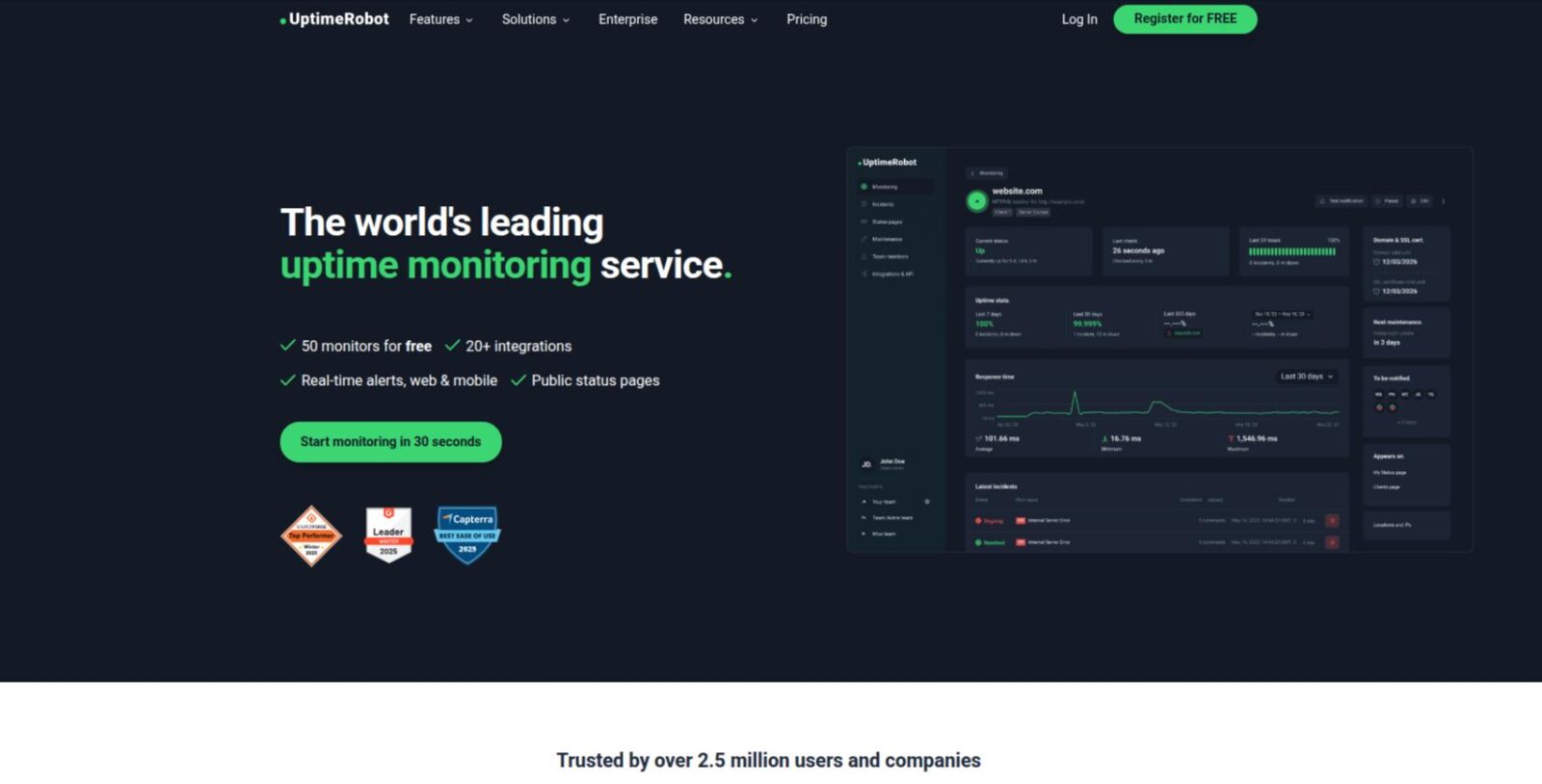
While traditionally known for Is my site down? monitoring, UptimeRobot has evolved into a robust change detection platform.
Best For—Small to mid-sized businesses and SEO teams needing both uptime and change monitoring without a high price tag.
Distill.io
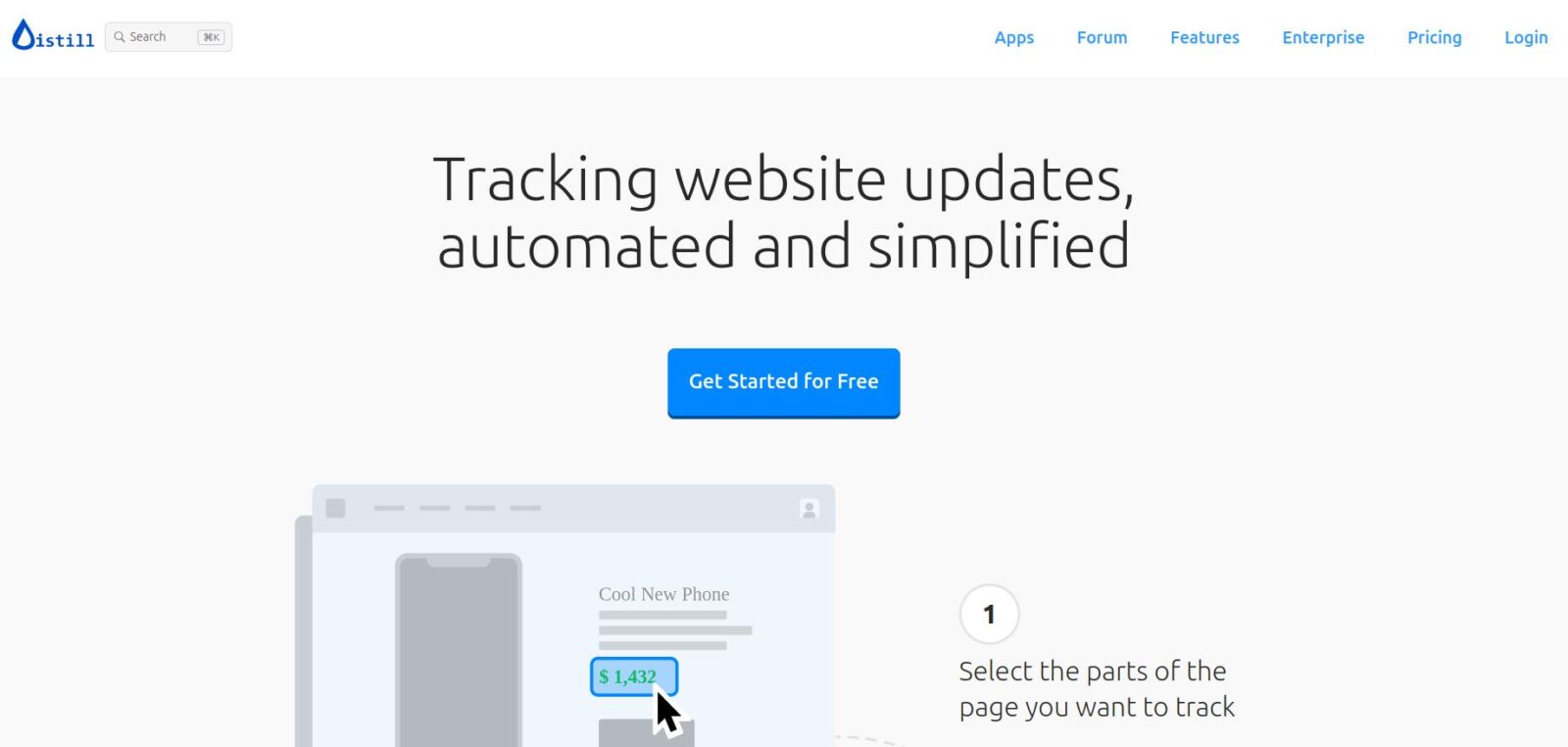
For developers and data scientists who need surgical precision, Distill.io is the preferred choice. It allows you to select very specific parts of a page using XPath or CSS selectors.
Best For—Developers tracking API documentation, price scraping, and monitoring password-protected pages.
Sken.io
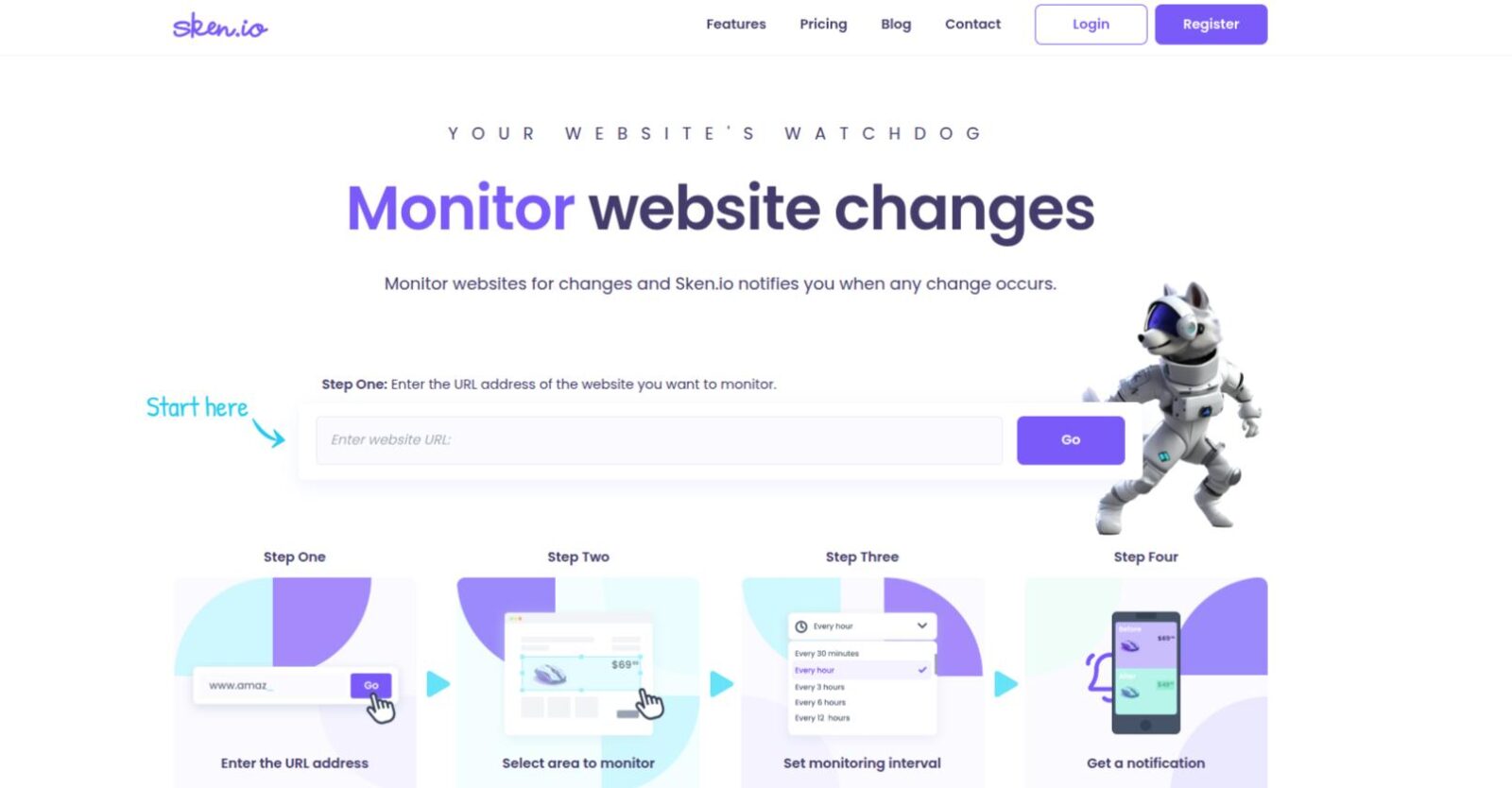
If you’ve ever been frustrated by false positive alerts caused by a moving sidebar, Sken.io is your solution. It is built specifically for region-based monitoring.
Best For—Tracking specific price blocks, stock levels, or coming soon dates on busy e-commerce pages.
Fluxguard
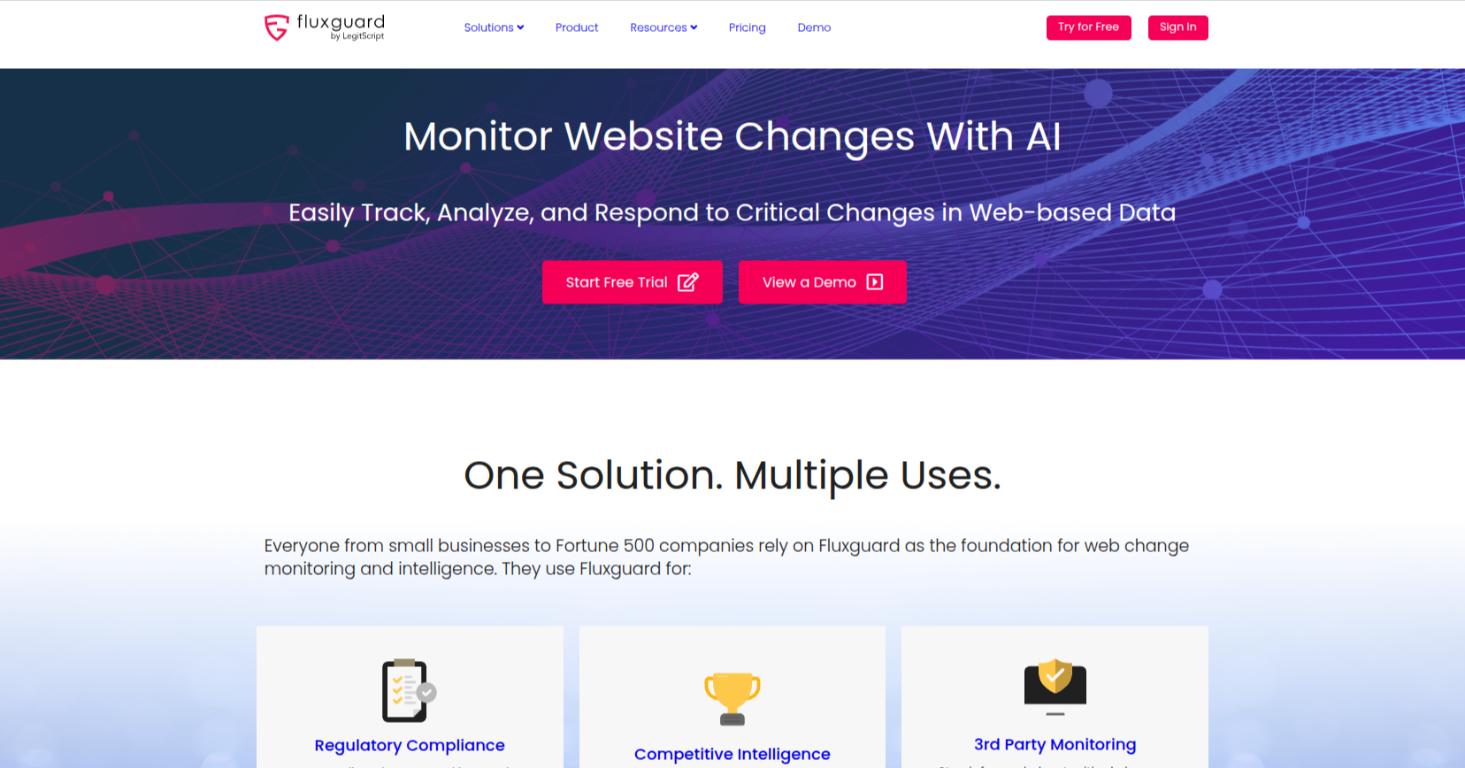
For enterprises where a change isn’t just a marketing update but a potential legal or security risk, Fluxguard is the gold standard.
Best For—Legal teams, security researchers, and QA engineers monitoring for site defacement or regulatory compliance.
Wachete
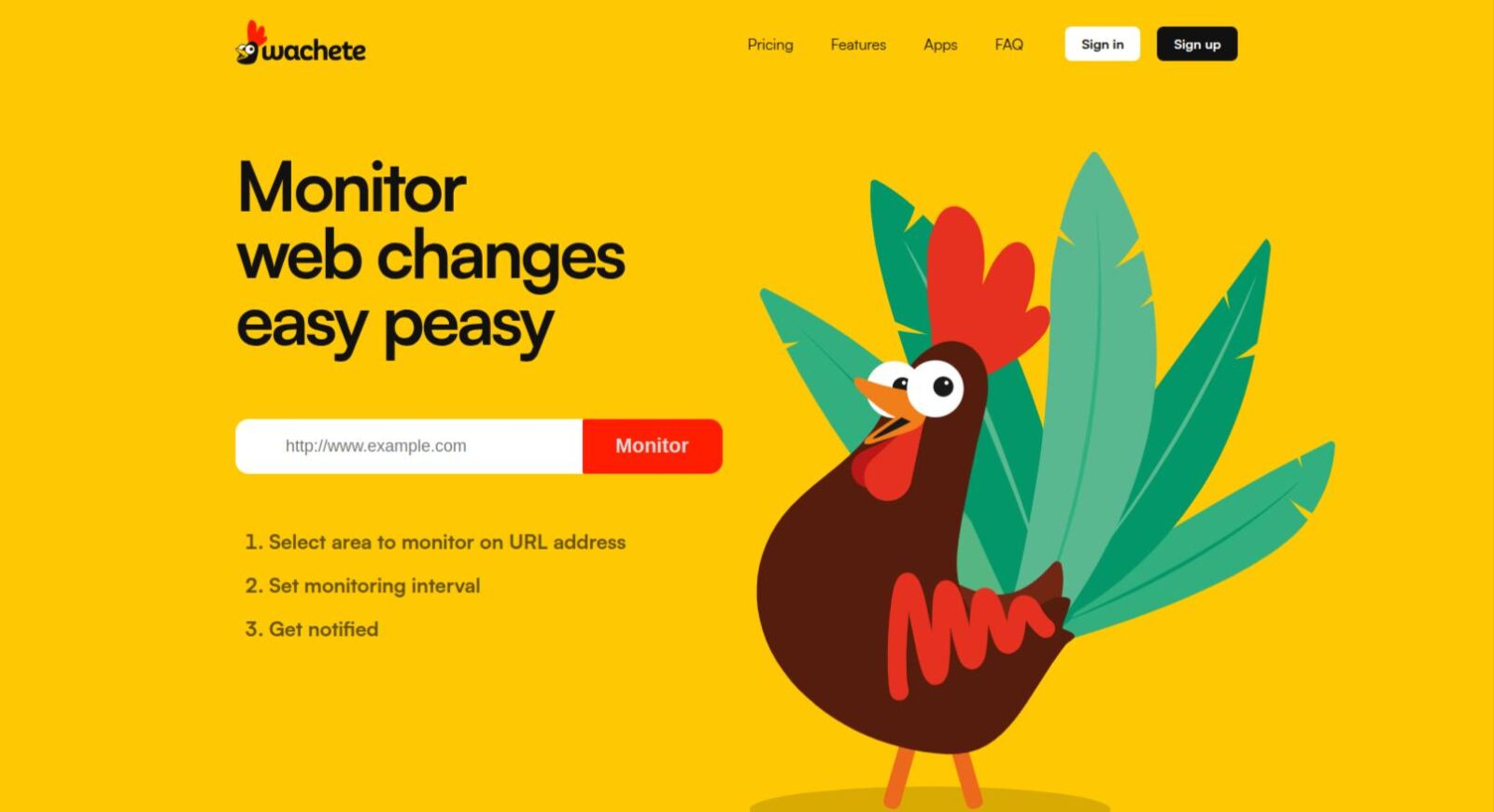
Wachete fills a critical gap that many other tools miss—the ability to monitor content that isn’t public or isn’t even a standard webpage.
Best For—Monitoring internal company portals, password-protected competitor pricing lists, and updates within uploaded files.
ChangeDetection.io
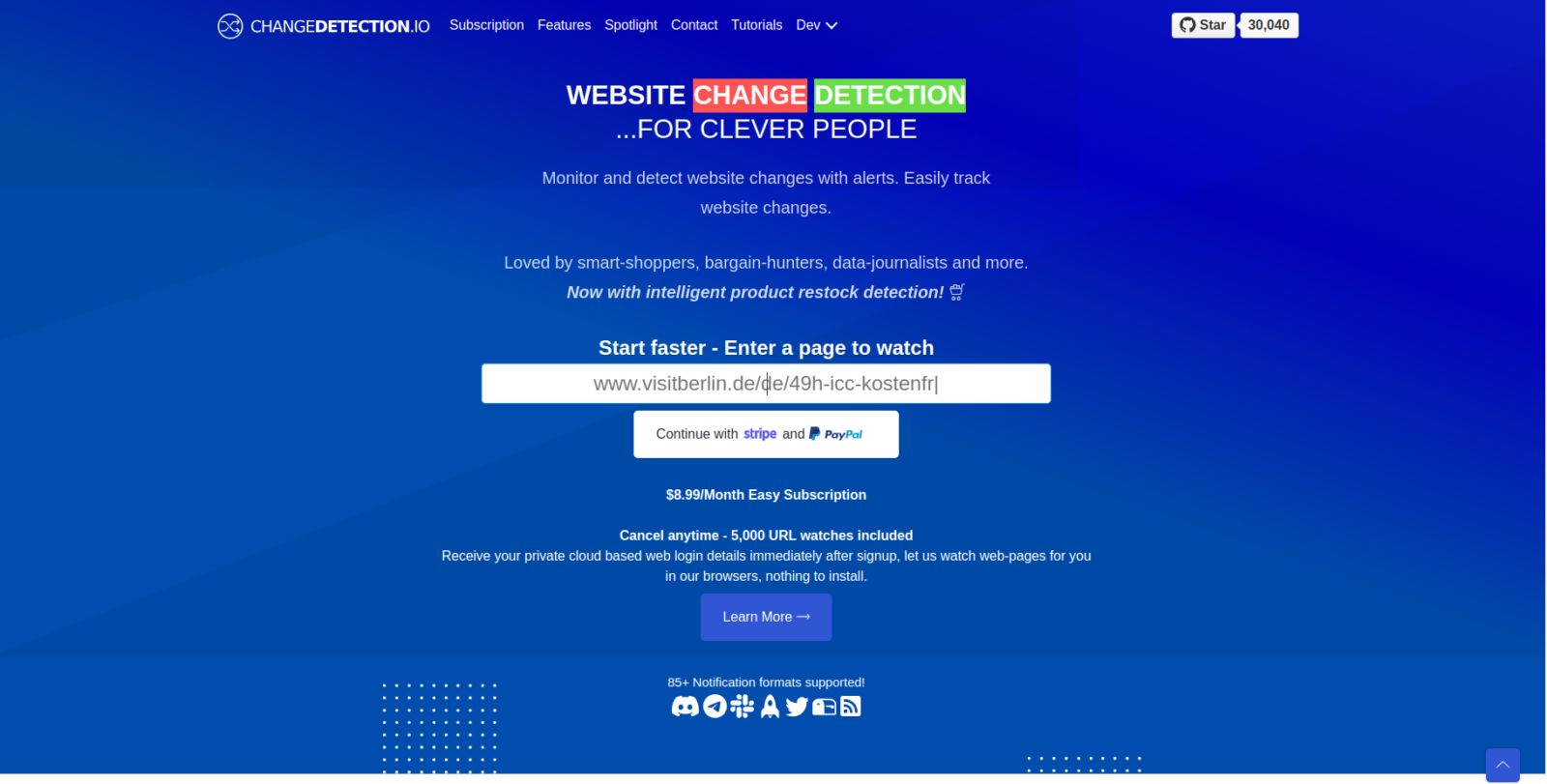
For those who prioritize privacy or need to monitor thousands of pages without a recurring monthly bill, ChangeDetection.io is the ultimate solution.
Best For—Privacy-conscious developers, government agencies, and power users who want unlimited monitoring.
Hexowatch
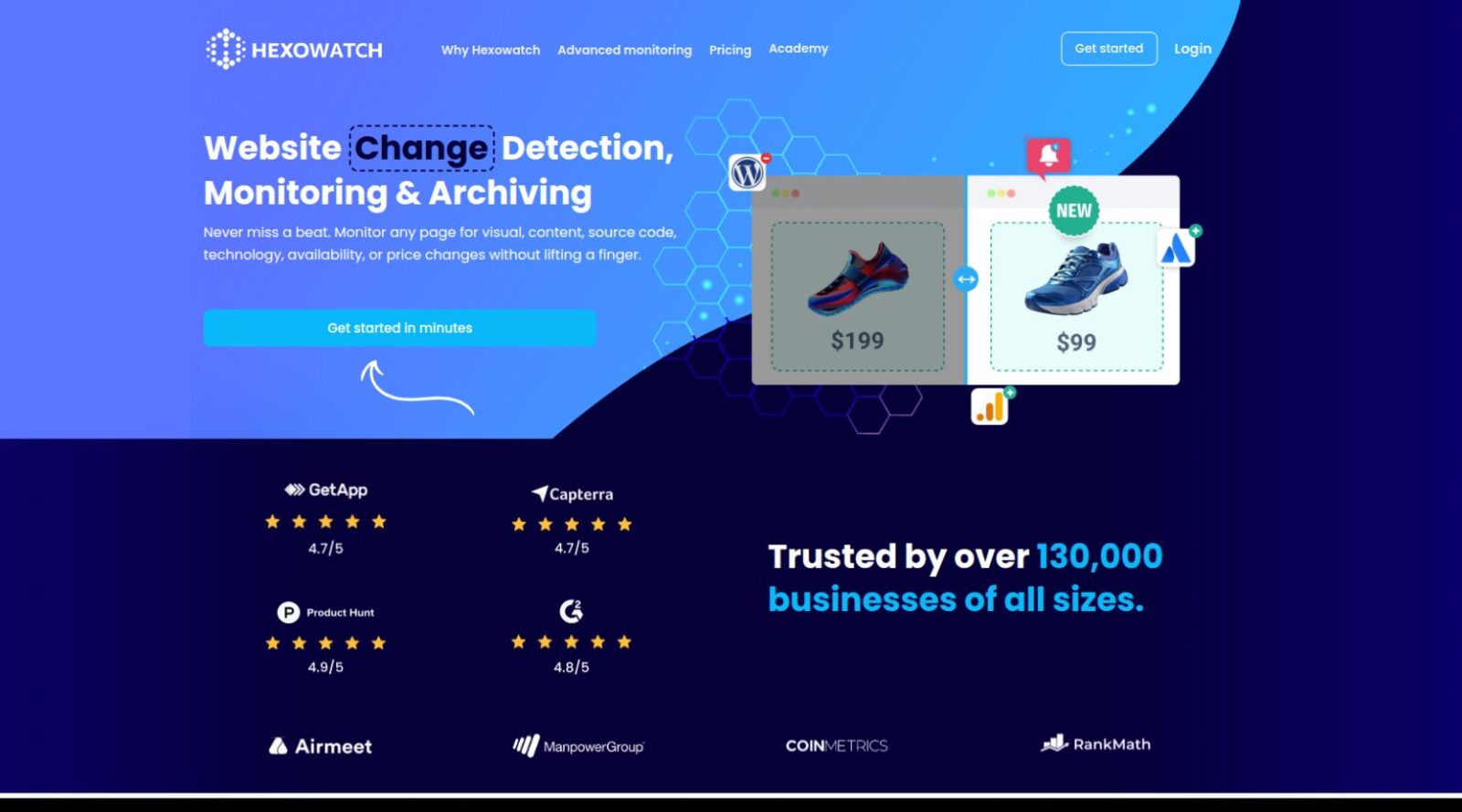
Hexowatch distinguishes itself by offering 13 different types of monitoring in a single platform.
Best For—E-commerce businesses, SEO agencies, and digital marketers.
PageCrawl.io
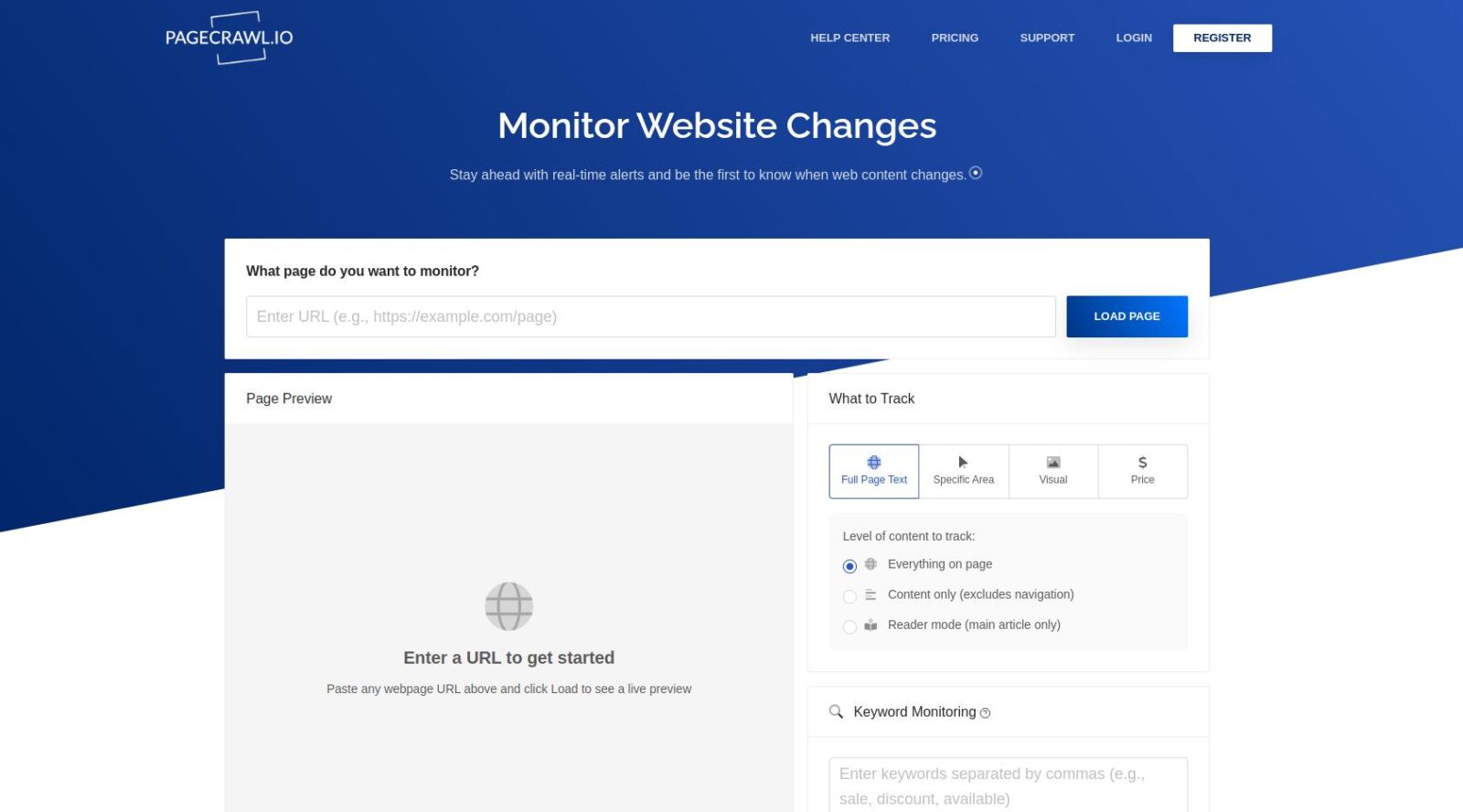
PageCrawl.io has gained significant traction for offering high-end features at a fraction of the cost of legacy enterprise platforms.
Best For—Scale-ups and developers who need to monitor hundreds of pages without enterprise-level overhead.
ChangeTower
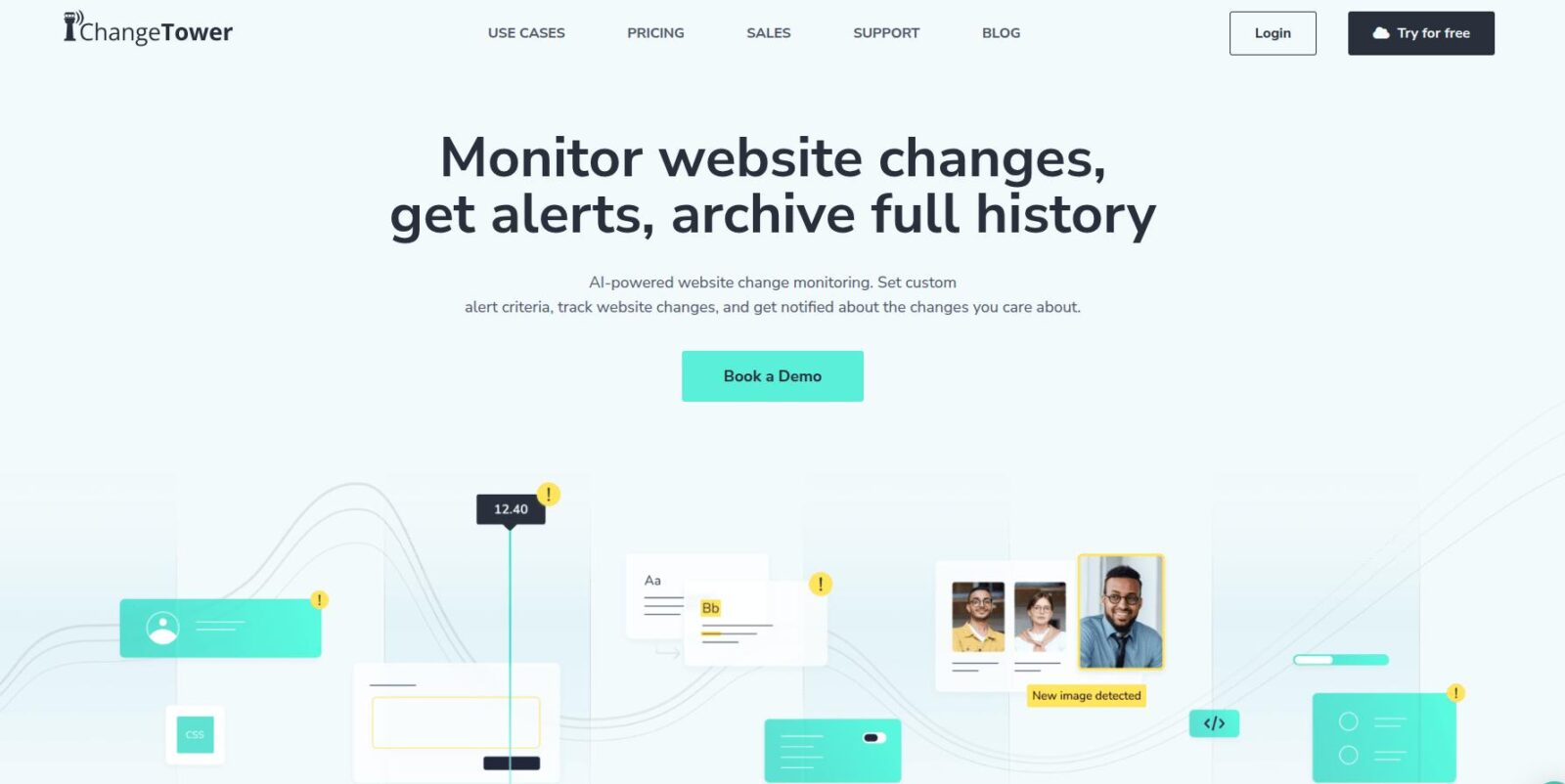
If your business operates in a regulated industry, you don’t just need to know when a site changed—you need a legal-grade record – ChangeTower is great for that.
Best For—Legal teams, compliance officers, and brand managers.
The Setup Guide—From Zero to Automated
To build a world-class monitoring system, follow this 4-step workflow
Step 1—Define the Scope
Don’t monitor the whole page. Use CSS/XPath selectors to target the specific element.
Step 2—Establish the Wait Action
Modern sites take time to load third-party scripts. Always configure a delay before the tool takes a snapshot.
Step 3—Integrate Your Action Layer
An email is just a notification; a Webhook is an action. Send price drops directly to a Slack channel for the sales team.
Step 4—Quarterly Audit
Websites redesign frequently. Every three months, review your Watchlist to ensure your selectors are still pointing to the correct elements.
Monitoring tool Decision Matrix (The Quick Pick)
| Role | Which tool will be good |
| Solopreneur / Marketer | Visualping (Simple, Visual, AI-summarized) |
| Professional Developer | Distill.io or ChangeDetection.io (Precision & Control) |
| Compliance Officer | Fluxguard or ChangeTower (Auditable History) |
| SEO Specialist | UptimeRobot or Hexowatch (Keyword & Tech Tracking) |
Conclusion
The refresh and check era is officially dead. The most successful businesses are those that have built a Digital Nervous System—an array of automated eyes that watch the web while they sleep. Whether you choose the plug-and-play simplicity of Visualping, the surgical precision of Distill, or the privacy of a self-hosted ChangeDetection.io instance, the key is to start small and automate as you grow.
The ability to anticipate market shifts before they become mainstream is what separates industry leaders from the rest of the pack. By integrating these website change monitoring tools into your daily operations, you aren’t just installing software; you’re building a persistent competitive advantage that safeguards your brand’s integrity and optimizes your revenue streams.
As website change monitoring matures from simple alerts into intelligence-driven workflows, many organizations find that off-the-shelf tools are only part of the solution. Teams with complex SEO, compliance, or competitive intelligence needs often explore custom monitoring and automation systems that align with their internal processes. Firms like VOCSO, which specialize in custom software development and AI-integrated workflows, work with businesses to design purpose-built solutions that extend monitoring data into actionable, organization-specific systems.